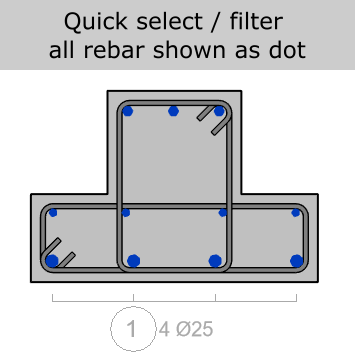
Select command

Select Perpendicular
Select rebar whose visible presentation includes a perpendicular segment.
Find bars by the way they are represented in the view, so cleanup and annotation work can start from the right set.
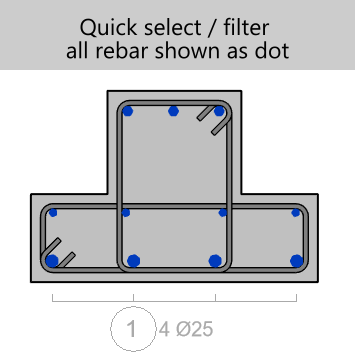
What it helps with
Focus the command on a pre-selected subset when the view contains more rebar than you want to inspect.
Use it as a quality-control helper before annotating or adjusting bar presentation.
Work from the active view context instead of hunting through individual elements.
Selection modes