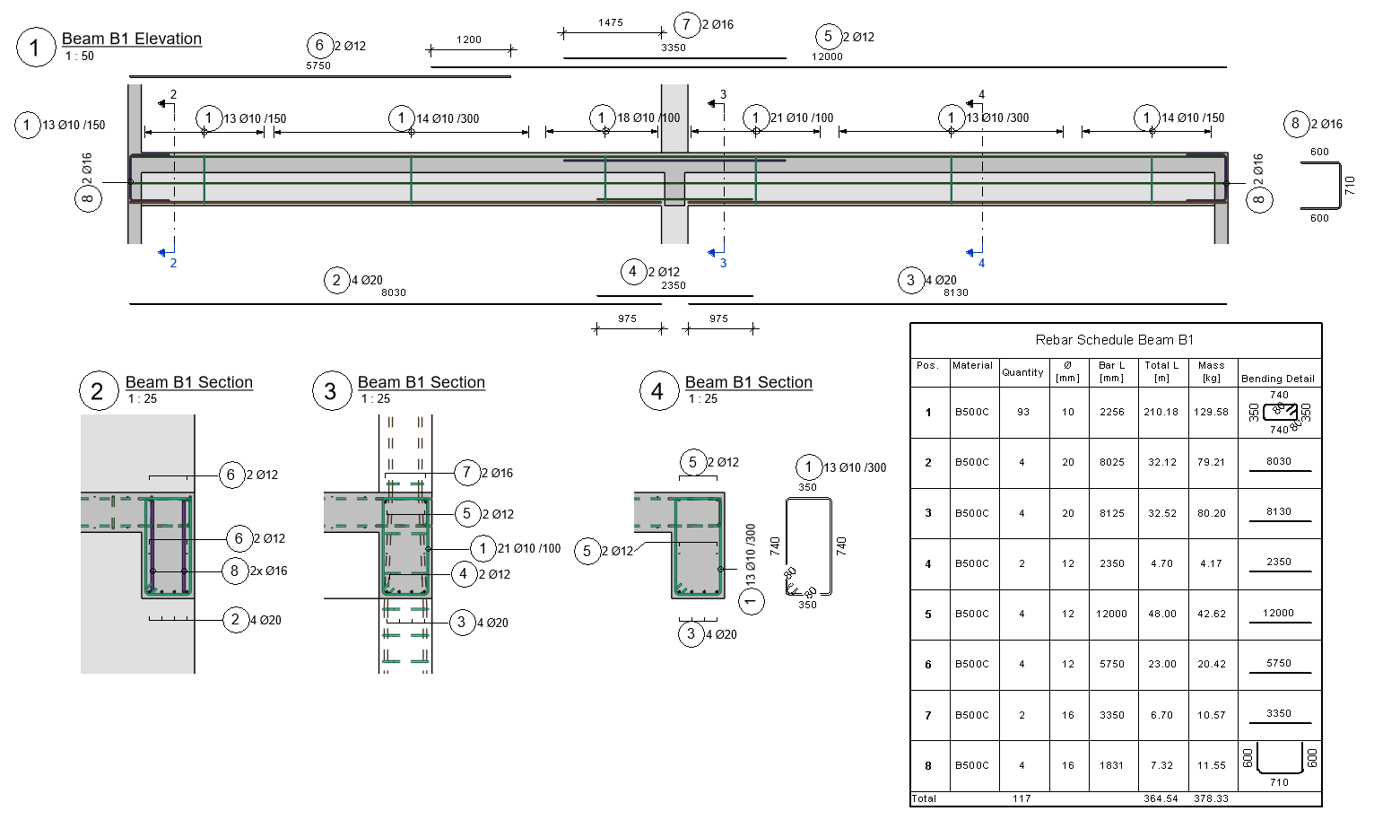
Rebar families
Pre-configured rebar and fabric types with common diameters, materials, bend radius values, hook lengths, and other settings in line with generic Eurocode normatives.
Free resource
A free Autodesk® Revit® project template for rebar detailing, with the rebar settings, annotation families, view templates and schedules setup already done.
Download latest v24.0 · Updated 7 May 2026Free to use, no email required.
The template is in English, localized mainly for the European markets, saved in Autodesk® Revit® 2024, ready to upgrade to a newer version.
Pre-configured rebar and fabric types with common diameters, materials, bend radius values, hook lengths, and other settings in line with generic Eurocode normatives.
Basic tags and multi-rebar annotation families resembling the German standard appearance.
Reinforcement and formwork view templates are set up and ready to use.
Rebar bending schedules are set up and ready to use.
Add practical detailing commands, or choose a more comprehensive starting point.
 GRevity Point
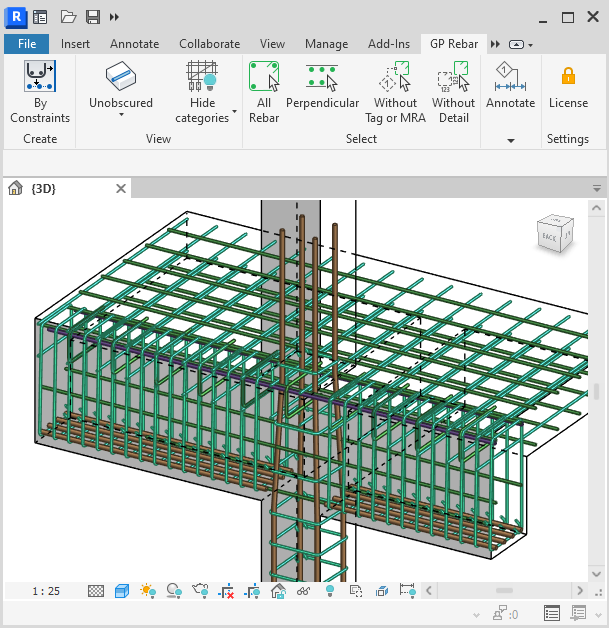
Already working in a project? Rebarkit adds practical commands for creating, managing, and annotating rebar in Revit.
Explore Rebarkit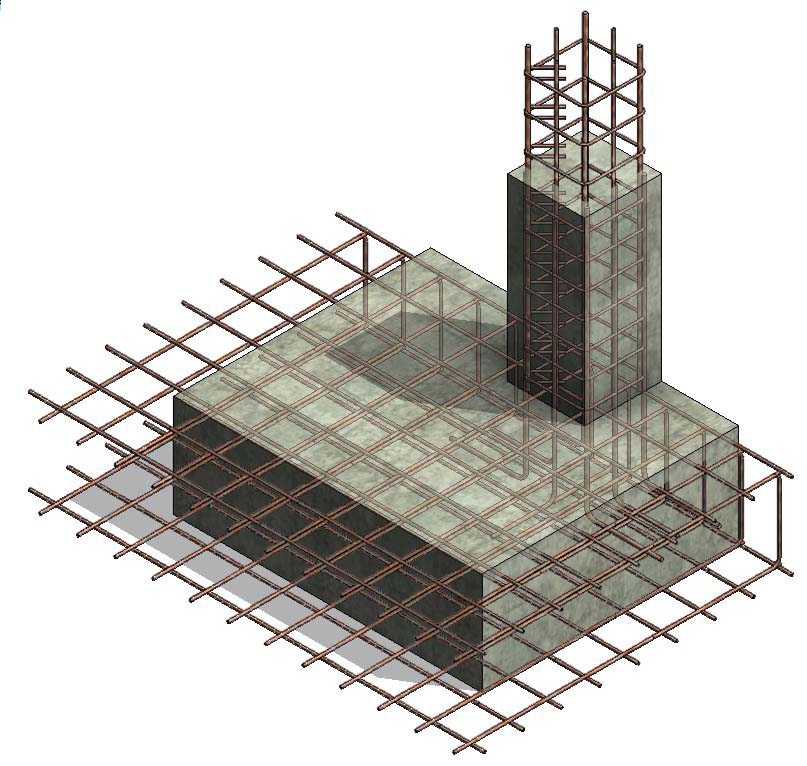
 Balkan Architect
For larger reinforced concrete work, this template adds a broader family pack, annotations, schedules, view templates, filters, and sample project content for Revit.
Explore the advanced templateAffiliate link: GRevity Point may earn a small commission at no extra cost to you.
This template is provided as a starting point for your own projects. Before using any drawings, schedules, quantities, or other output, you are responsible for checking that they are correct and comply with the building codes, standards, project requirements, and professional practices that apply in your location.
The template does not replace project-specific design, engineering review, or approval by a suitably qualified professional. Check the rebar settings, families, view templates, schedules, units, and annotations before relying on them in a live project.
The template is provided as-is, without guarantees or warranties of any kind. To the extent permitted by law, GRevity Point accepts no liability for errors, omissions, loss, damage, or costs arising from the use of the template or from reliance on its output. You use it at your own risk and remain responsible for keeping backups of your files.